The problem
When copying files to an external device, the write operation is cached and optimised, meaning that the order of the files on the destination device does not match the alphabetical order on the computer. Many MP3 players, car stereos and other devices using the FAT file system are unable to sort the list of files, but simply read them in the order in which the files are physically located. As a result, the tracks on an album are played out of order.
Proof of concept
First of all, I tested the system copy command in Terminal – the result was the same: the caching mechanism shuffles the files randomly. I then decided to copy the files not in batches, but strictly one at a time, waiting until the file actually appeared on the device. This approach worked when done manually.
All that remained was to automate it. After outlining the logic in Claude Code, I ended up with the script copy-alphabetical.sh. At first, it didn’t work very reliably (the order of the files would sometimes get mixed up), so I came up with the idea of reading the file that had just been written – this should clear the cache. And to make the most of reading the data, I decided to calculate the checksum and compare it with the original – this provided an additional check on the write operation.
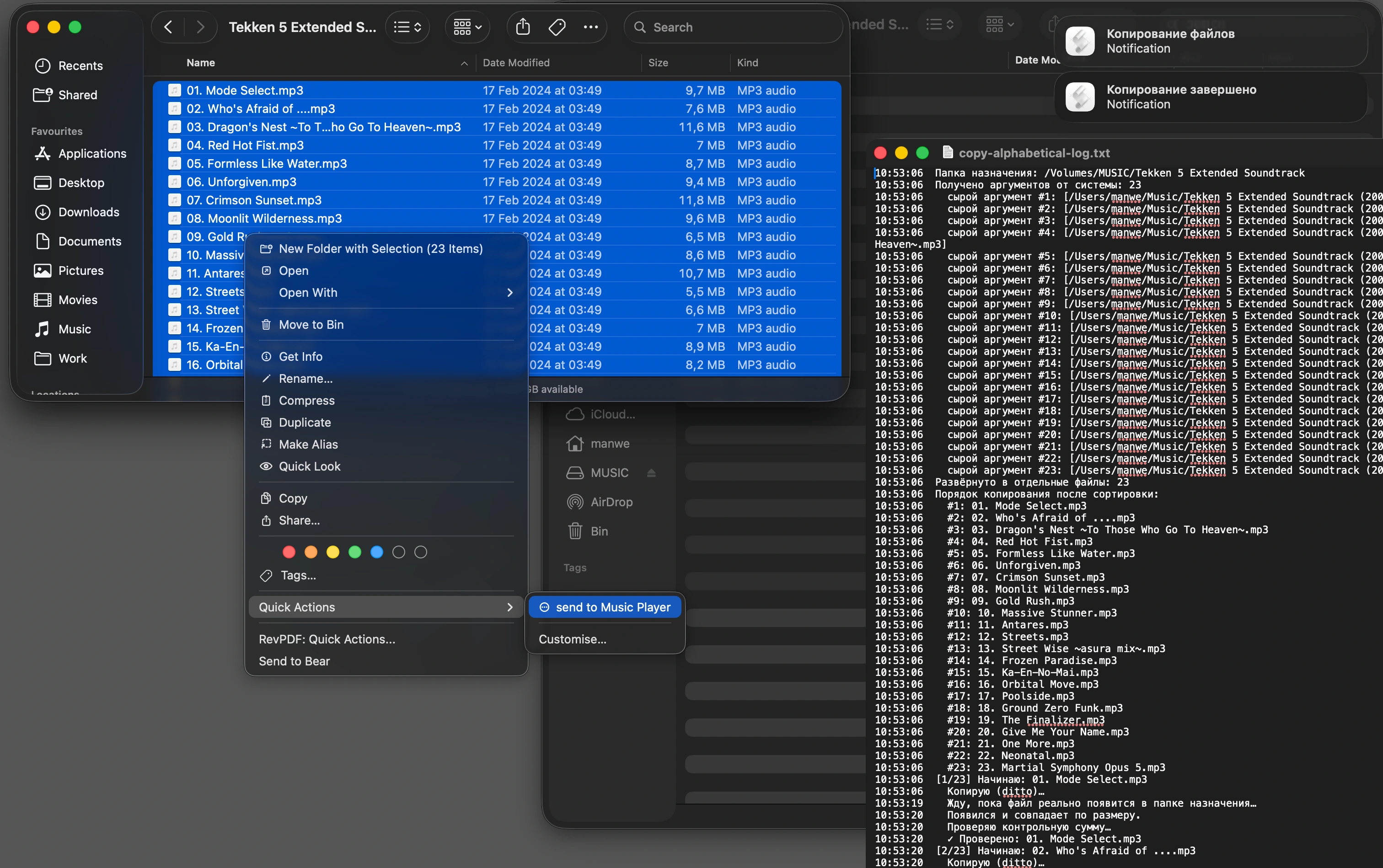

Next, using Automator, I integrated the script into the system – right-clicking on a group of music files would send them straight to the connected player. I used this script for a week – everything worked perfectly, but I really missed the convenience and additional features (such as automatic file renaming and checking available storage space).
From script to MP3copy app
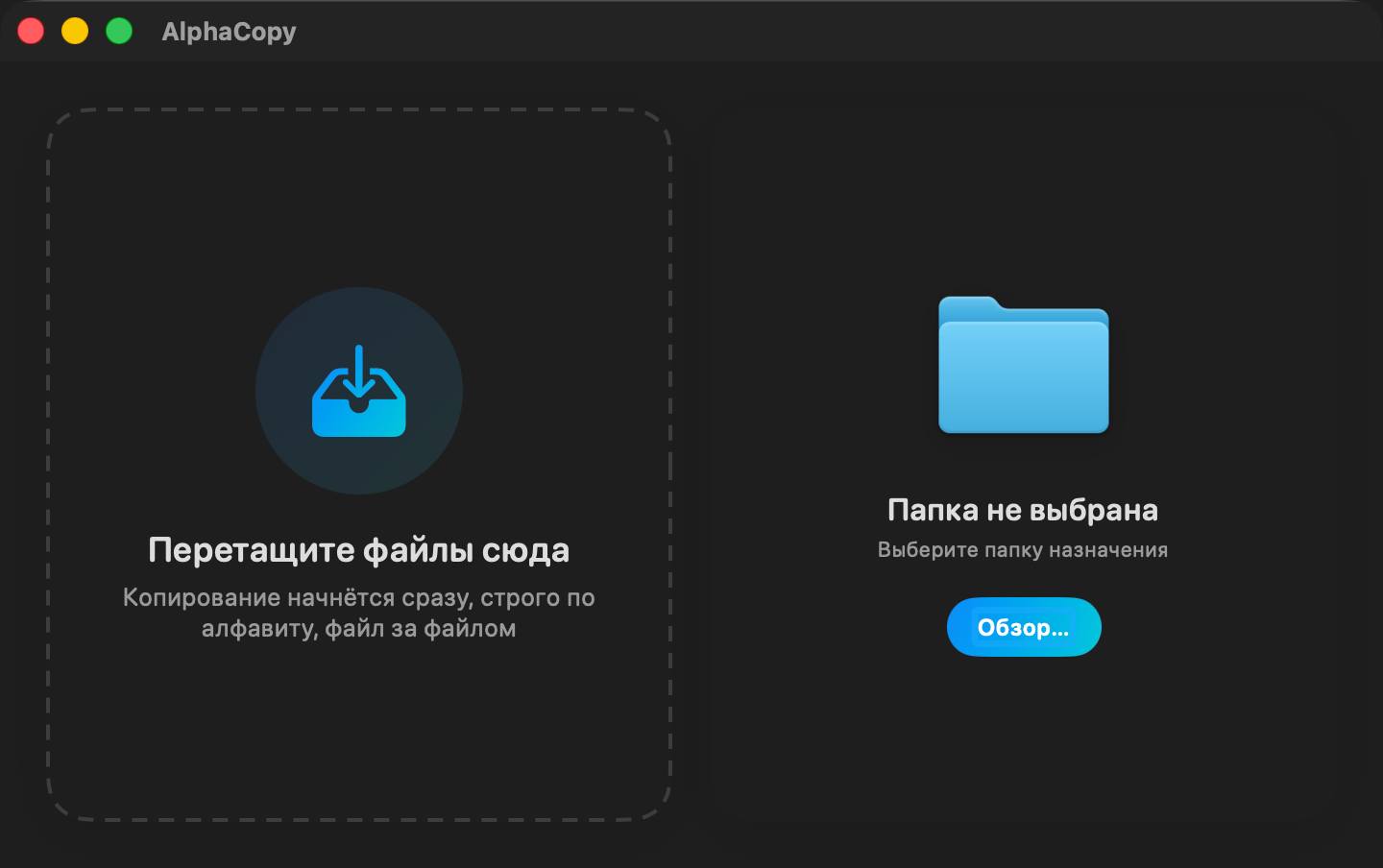
I’d been wanting to write a proper SwiftUI app for macOS for a long time (previously I’d only written simple command-line programmes for calculations). I wanted to include drag-and-drop file transfer, a copy queue, a pause function, an estimate of free space on the destination device, and the ability to filter out junk files. Thanks to Claude Code, the first working version of the app was ready in just an hour.
Appetite comes with eating, and I found myself wanting to add some music collection management: renaming files according to a standard template, fixing playlists, embedding album covers into music files – all the things I used to have to do manually. For example, a file name might be tracknumber-artist-album-song.mp3, whilst the file itself was stored in the artist/album-year folder. This is inconvenient: the most important part (the song title) is at the end and doesn’t fit on the small screen of a MP3 player.
The artist/year-album/tracknumber-song.mp3 structure is much better – MP3copy converts all filenames to this format (provided, of course, that the relevant option is enabled). After that, the filenames must be corrected in the playlist file, if there is one (m3u, pls, cue). Also, playlists often contain links to wav files, even though the music itself is encoded in mp3 or flac – this needs to be checked as well.
The cover art is usually stored as a separate file in the album folder, but there may be several image files. You need to choose one and make sure it’s not a print-quality scan, but a small image. I don’t want to download covers from the online databases – at this stage, my app needs to be completely independent of an internet connection. And, to be honest, for half the music I listen to, there aren’t any publicly available covers – it’s tracker music and music from video games. I design the covers for these albums and compilations myself.
For all these file operations, I drew up a set of rules which I fed into Claude. An important point: changes to the files must be made on the destination drive specifically and must not affect the original files. There turned out to be many pitfalls in the implementation, and the work took a week.

Another interesting story – determining whether files will fit or not. It’s not enough simply to ask the system how much free space is available on the destination drive – the files won’t take up exactly the sum of their individual sizes. The fact is that file sizes are rounded to the nearest block size, and the block size can vary across different drives and file systems (FAT, exFAT, FAT32, NTFS). Space is also used for the file’s entry in the catalogue, and the size of a catalogue entry varies across different systems. All of this must be taken into account.
I’m particularly proud of the progress bar design, which shows at the same time how much has been copied, how much is left, and how much won’t fit. What’s more, it displays the size in megabytes rather than the number of files. When you focus on a file in the list, its position on the progress bar is clearly indicated – this makes it easy to see whether the file will fit or not, and gives a rough idea of its size.
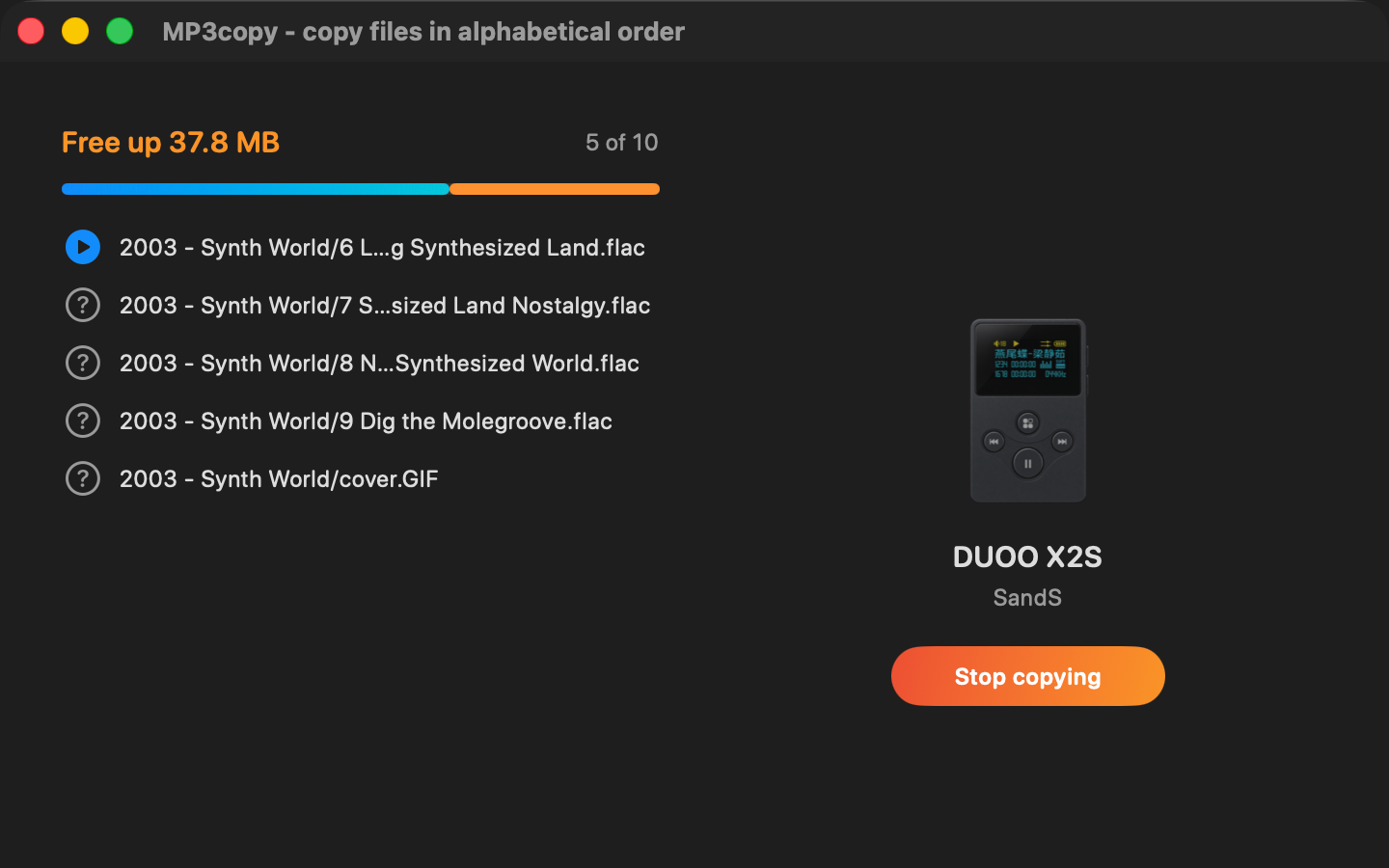
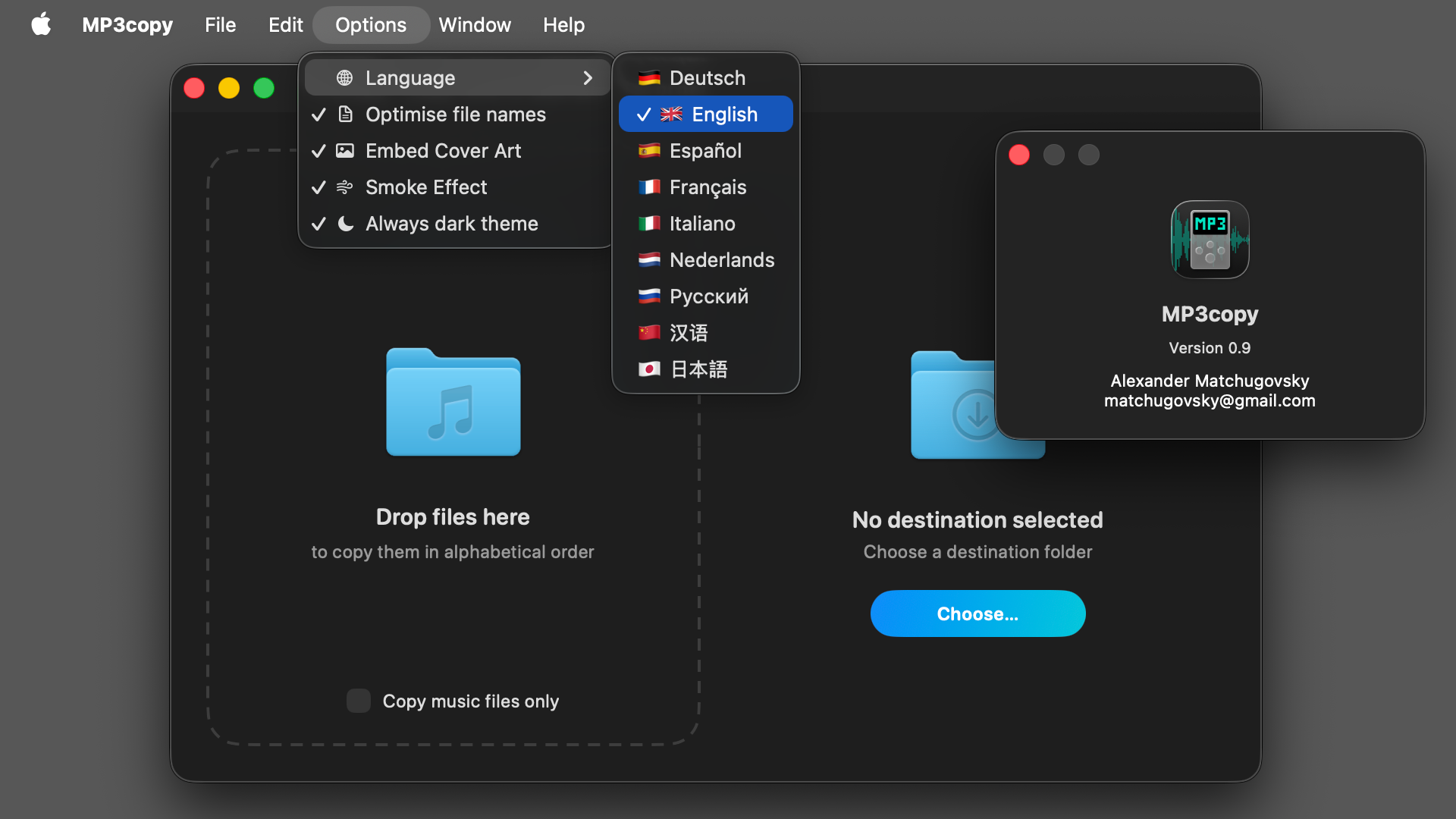
To finish off, I added some nice touches – a spinning disc with the cover art, a smoke effect (all of which had been planned from the outset as nice to have features), the ability to switch themes, localisation into 9 languages, and the behaviour when dragging and dropping files onto the app icon. It sounds simple (after all, it’s the AI coding, not me), but there were plenty of bugs and performance bottlenecks, so the work took another week.
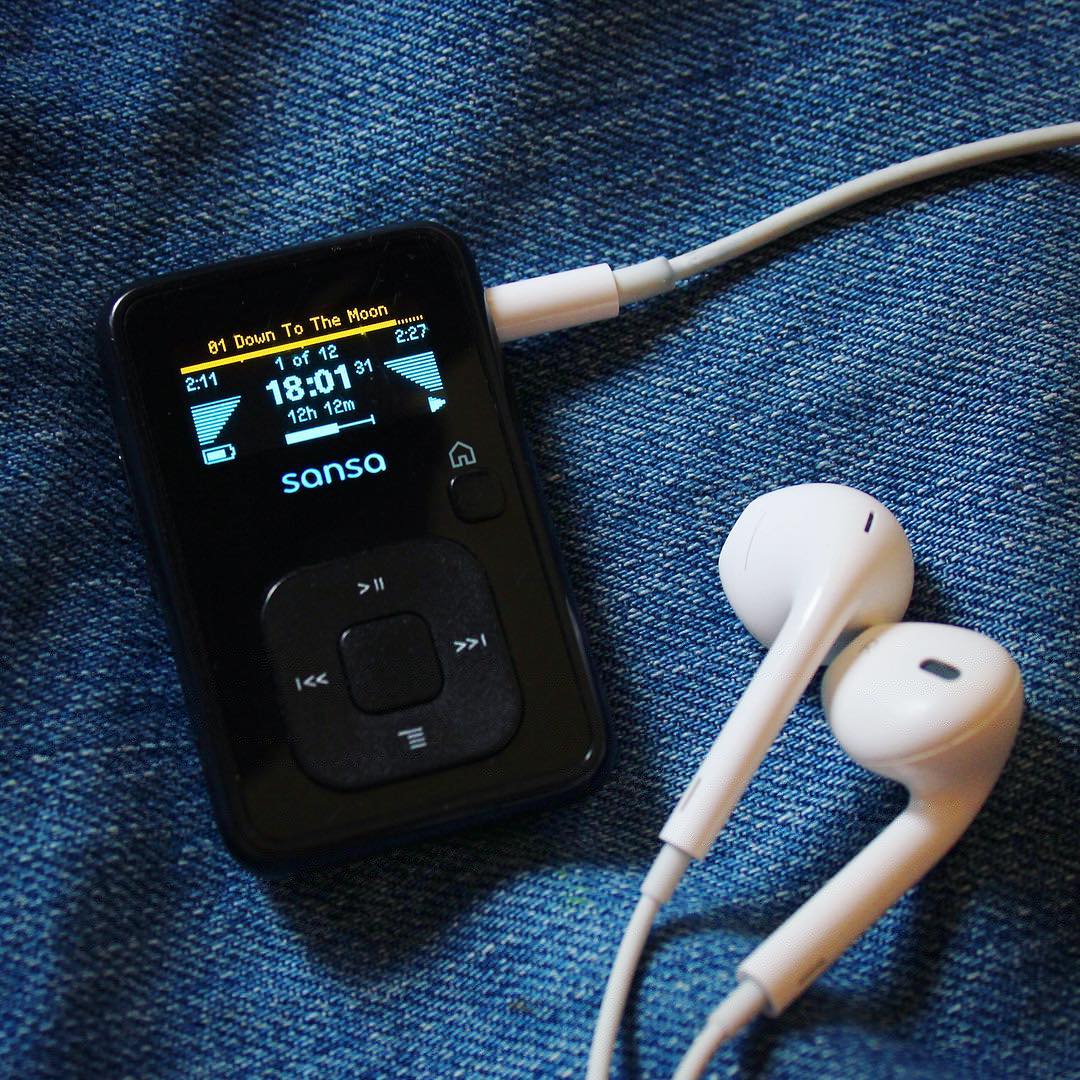
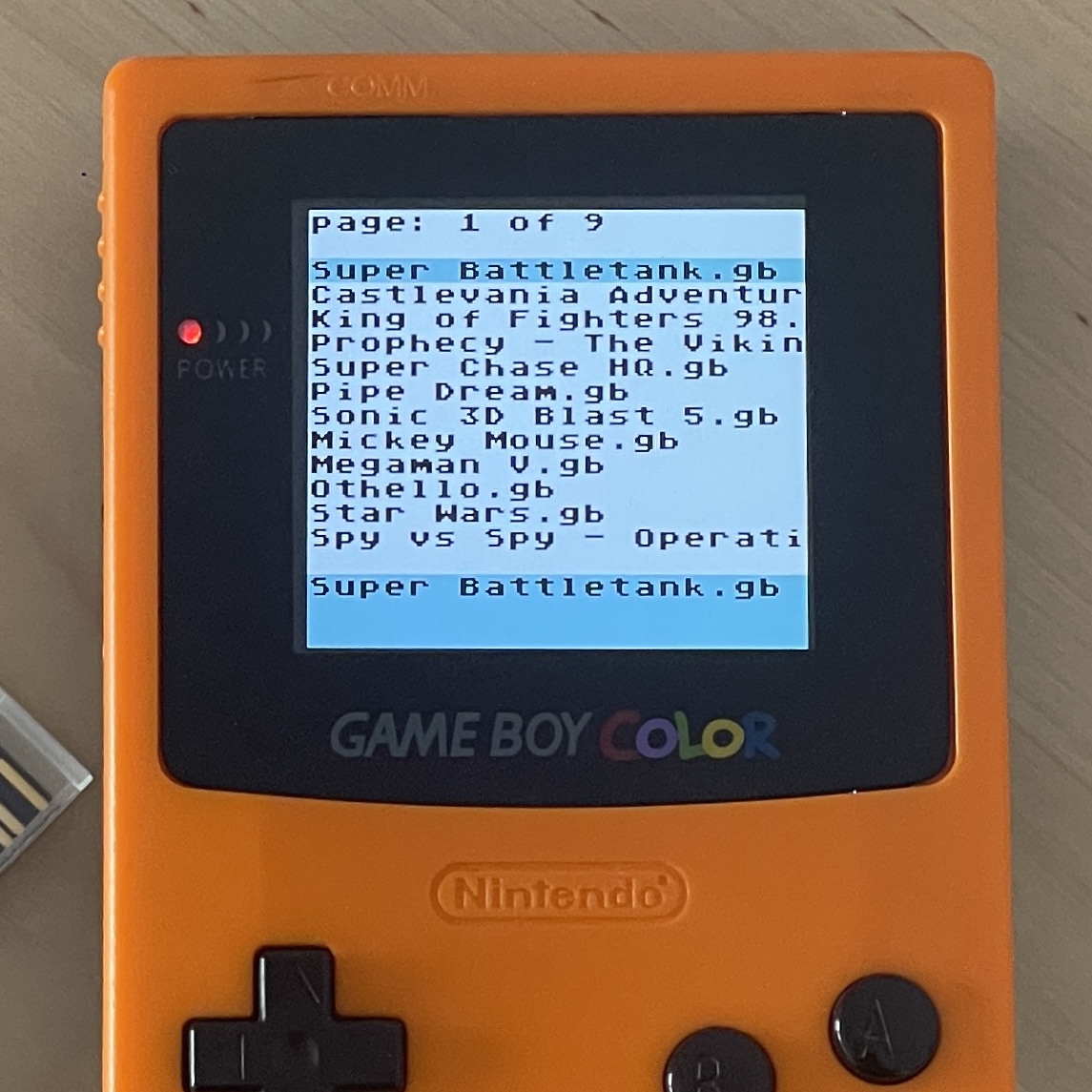
Plus a week of testing on various computers and external devices. It was only at this stage that I realised the app was useful not only for music players, but also for Nintendo Game Boy flash cartridges and other retro consoles. But it was too late to change the name :) So it remained MP3copy.
For a programmer, the struggle is real
Drag-and-drop and file selection dialogues cannot be tested any other way than through actual interaction. Therefore, Claude Code would launch the application after every build, control the mouse and keyboard via AppleScript/System Events, take screenshots, and compare them with what was intended. It is impossible to work on the computer at the same time – if Telegram or Slack appears in a screenshot, Claude immediately stops working, stating: “I am not authorised to read private correspondence”.
On top of that, imagine this: you’re drawing something in Figma when, all of a sudden, the compiled app opens, hotkeys are pressed of their own accord and the mouse cursor starts moving. At that moment, you press your own keys or move the cursor where you need it to go. Naturally, Claude is unable to carry out the experiment, so it involves you: “Test failed. Please run the test manually.”

To sum up, for this sort of work you’ll need either a second computer with a separate monitor, or a new fast computer with a large hard drive so that you can carry out all your work in a virtual machine. Advertising slogans such as “get on with other things whilst the AI does your work” and “costs $20 a month” are a gross exaggeration.
Rejected ideas
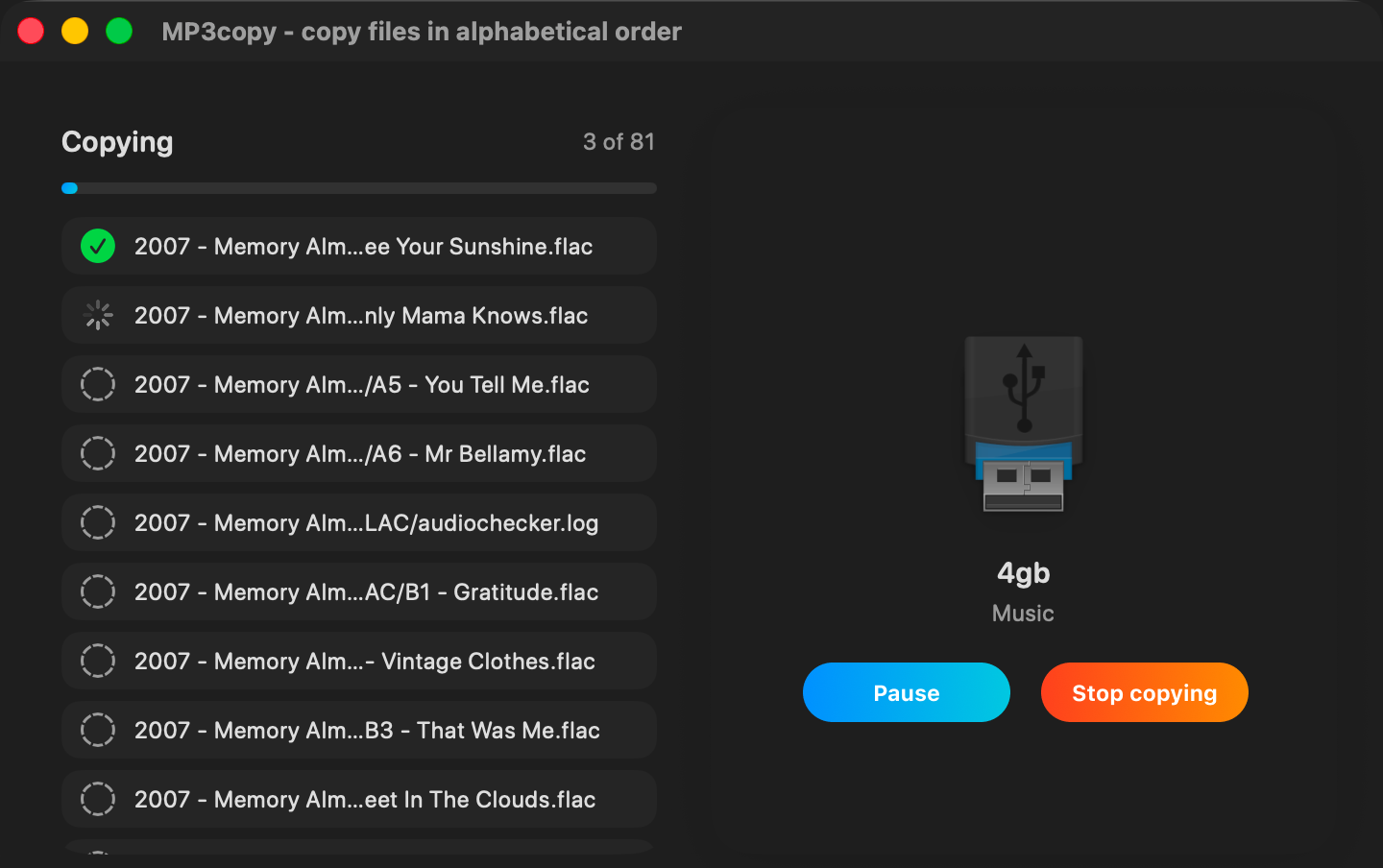
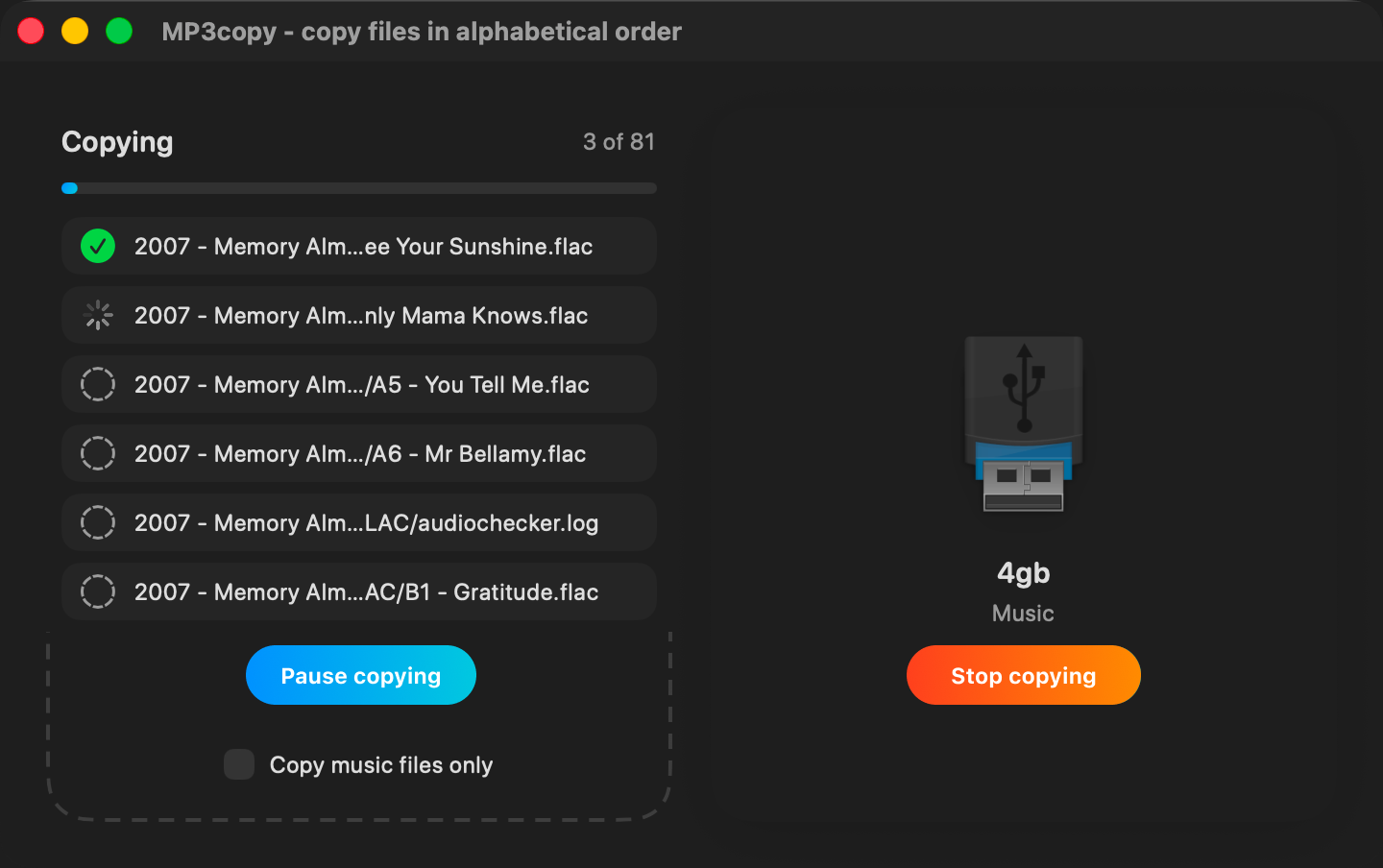
- The global pause button. It was rarely needed, but attracted just as much attention as the important stop button. I decided to move the pause function to the file list, and this unexpectedly opened up an additional possibility: you can schedule a stop when a specific file is reached. This is very useful if some of the tracks on an album don’t fit, and you’ve decided not to copy the whole album just yet. I love discoveries like this – if something doesn’t visually fit into the interface, it means that the underlying logic (of the programme or the user’s behaviour) hasn’t been thought through properly. There’s no point in trying to blindly stick to the original plan and force something in at any cost – it’s better to simplify the interface first, and then try approaching it from a different angle.
- The smooth animation of the file list when scrolling with the keyboard turned out to be a bad idea – the cursor would instantly jump to the next row, and only then would the window’s contents scroll. The movement looked jerky. However, if the cursor movement were made just as smooth as the window scrolling, it would be difficult to determine (and stop in time) which file was currently selected when scrolling quickly. So the animation had to be removed and discrete movement restored. Micro-animations are fine, but not here. It’s now cleaner and clearer.
- The idea of optimising the write operation by skipping files already present on the destination drive did not quite live up to expectations. The original reasoning was as follows: reading a file from a flash storage device is much faster than writing to it and does not wear out the storage medium. Therefore, when a file with the same name and size as the file being copied is detected on the destination drive, their checksums can be compared and, if they match, the file is not overwritten. Experiments carried out under real-world conditions using real data have shown that the performance gain is indeed noticeable. However, it turned out that this undermined the app’s main objective – maintaining the correct order of files on the disk. A hybrid solution was therefore adopted: within a single folder, files that are in strict alphabetical order, starting from the very first one, should not be overwritten. As soon as the alphabetical order is broken for any file, from that point onwards all files must be overwritten without checking for a match. This rule also applies to folders and is applied recursively. It was important to follow the logic and anticipate all edge cases. Ultimately, this optimisation of the write operation does not yield a significant speed gain, but it does at least save a little on flash storage resources.
I believe that the one day spent by the programmer and the reversal of some of the decisions were worth the result: users did benefit after all, even if not as much as originally anticipated.
AI makes mistakes
- When comparing the copied file with the original, the programme often displayed the writing error. It turned out that Claude was taking the file names from the wrong list. The fact is that the names of the original and saved files may differ due to renaming – in such cases, the corresponding original file could not be found and the comparison subroutine terminated with an error. You’re reading the “AI mistakes” chapter, not “Programmer mistakes”, so it’s not my fault – I described very clearly that we need to keep a list of renamed files and check against it, but Claude Code still got confused. It wasn’t easy for me to work out exactly what the bug was.
- When I launched Activity Monitor, I noticed an inexplicably high level of RAM usage (4 gigabytes whilst copying a couple of thousand files). Investigation revealed the cause: the file verification process triggered a procedure to calculate the SHA-256 checksum for each block (a file consists of many blocks), but Claude had written the procedure in such a way that the array of checksums was accumulated and not cleared once the procedure had finished. As a result, a memory leak occurred. The procedure had to be rewritten, memory usage dropped to 50 megabytes.
- Scrolling through the list in the left-hand panel was freezing the disc animation in the right-hand panel. I had to spend some time with the Xcode profiler and explain to Claude how to split the rendering across different independent processes.
- I sent the help text, written by Claude, back for revision twice: the UI text quotes did not match the actual interface. The help text used technical jargon (for example, “resource fork” – I replaced it with “satellite file” – a hidden macOS file that contains additional information).
There were loads of other errors, it’s hard to recall them all. Without a programming experience, it’s impossible to spot them: the AI itself often suggested ridiculous workarounds that only made the problem worse.
SwiftUI bugs
A significant proportion of the difficulties were not down to the app’s logic, but to the SDK – Claude kept coming up against behaviour that did not match the documentation:
- The standard method of measuring the view’s size using a GeometryReader didn’t work: it always returned zero, even though the GeometryReader was actually being rendered. Debugging took an entire session – coloured markers on the screen, debug text, and logging to a file. We fixed it by switching to .onGeometryChange.
- In WindowGroup, the actual window size was not determined on first launch – the window still opened wider than specified. The solution is to use a separate .defaultSize(width:height:) modifier on the scene, rather than on the content view.
- I paid a great deal of attention to accessibility, and in particular to keyboard navigation. The struggle to ensure the focused status of interface elements was handled correctly turned into quite an ordeal. I tried both the system focus and a custom solution – neither worked properly. Wrapping .focusable/.focused in ScrollViewReader broke Tab-key navigation in the file list. I had to move the focus state to an external VStack. And yet everything still broke whenever a new feature was added. I can’t even remember how we fixed it – it was a nightmare.
- The interface adopts the system colour scheme (light or dark), but I added an always-dark option. When this option was disabled, the window title would revert to the system theme, whilst the content remained dark. I managed to work around the bug by controlling NSApp.appearance directly instead of using the SwiftUI modifier. There were other discrepancies between the documentation and actual behaviour in the SDK as well.
Result
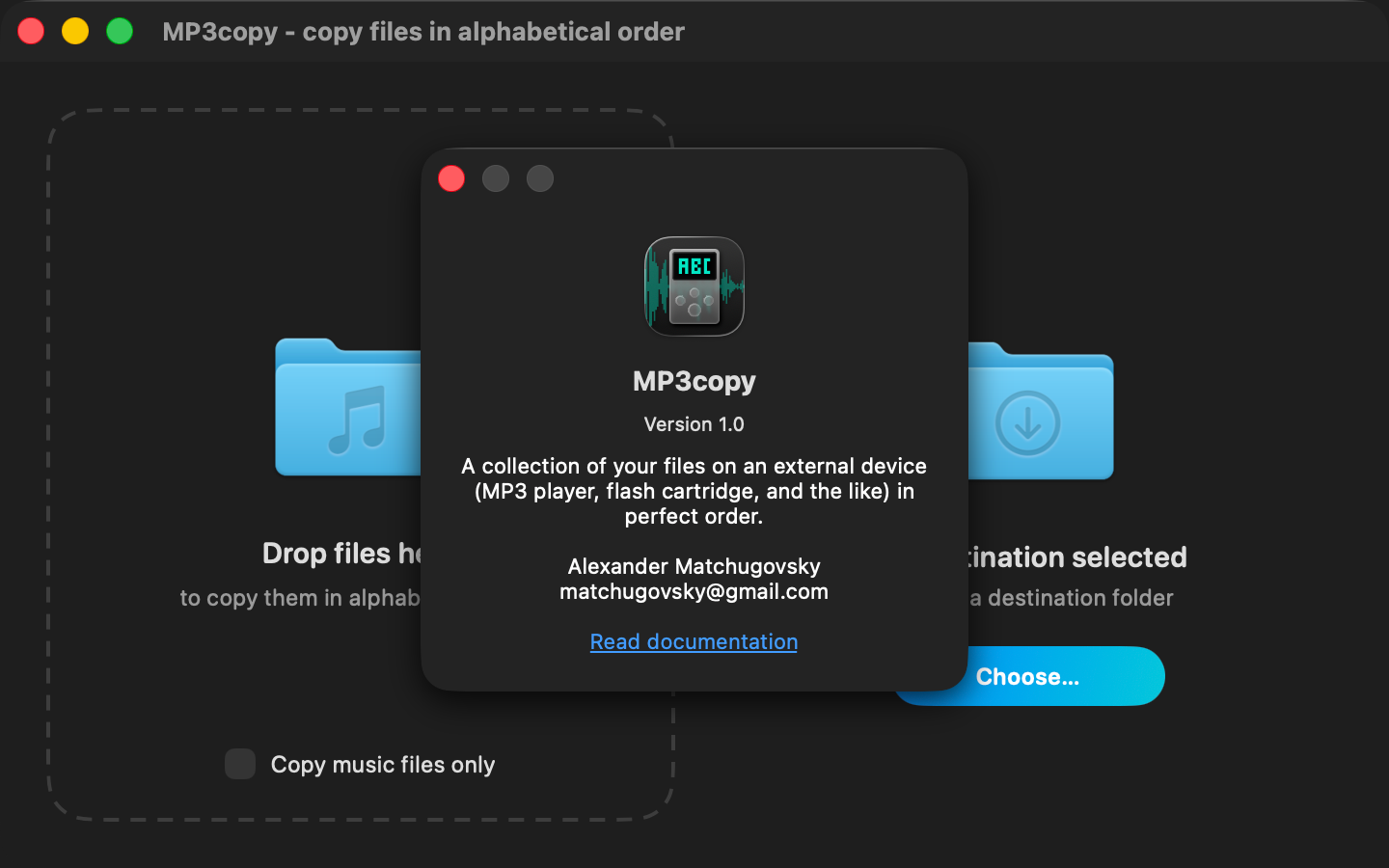
MP3copy has been compiled as a universal macOS build, translated into 9 languages and published on the App Store along with all the accompanying materials. The app works and is useful to people. It takes up just 7 megabytes, half of which is documentation with images.
In the whole time, I only opened Figma twice: once to design the app icon and once to try out different positions for the pause button within the interface.
The 3 weeks I spent working on Claude Code were devoted less to design and more to implementation: bugs in the macOS 26.5 beta SDK, inaccuracies in the documentation, AI errors, testing and optimisation. I am now ready to take on more complex projects!